Remote Corporate Headshots — Consistent Team Portraits in Any City, No Studio
Roll out studio-consistent headshots across a distributed workforce without booking a studio or flying a photographer. One director, the same framing and lighting for every employee, files delivered to the cloud in real time.
Short answer
Remote corporate headshots are professional employee portraits captured by a photographer who directs the shoot from anywhere — each person uses their own smartphone as the camera while the director controls framing, focus and exposure remotely. With CLOS, every team member gets the same crop, lighting direction and background guidance, and full-resolution files land in a shared cloud dashboard in real time. No studio booking, no travel.
Key takeaways
- One consistent look — same framing, lighting and background direction for every employee, in every city
- No studio rental and no flying a photographer to multiple offices
- Each person shoots from their own phone; the director controls the camera remotely
- Full-resolution files delivered to a shared cloud dashboard as you shoot
- Ideal for HR and people teams onboarding distributed and remote staff

What are remote corporate headshots?
Remote corporate headshots are professional staff portraits produced without gathering everyone in one physical studio. Instead of booking a space and a photographer for each office, you run a directed session over a virtual room: the employee holds or props up a smartphone, and a photographer connects to that camera to compose the frame, set focus and exposure, and trigger the shutter from wherever they are.
The result looks like a studio session because it is one — the director keeps full control of the image. For HR and people teams, the real win is consistency at scale: every new hire in every location can be shot to the same template, so the team page, LinkedIn profiles and press kit all match.
How remote corporate headshots work
CLOS keeps the people side simple for non-technical employees while giving your photographer real studio control.
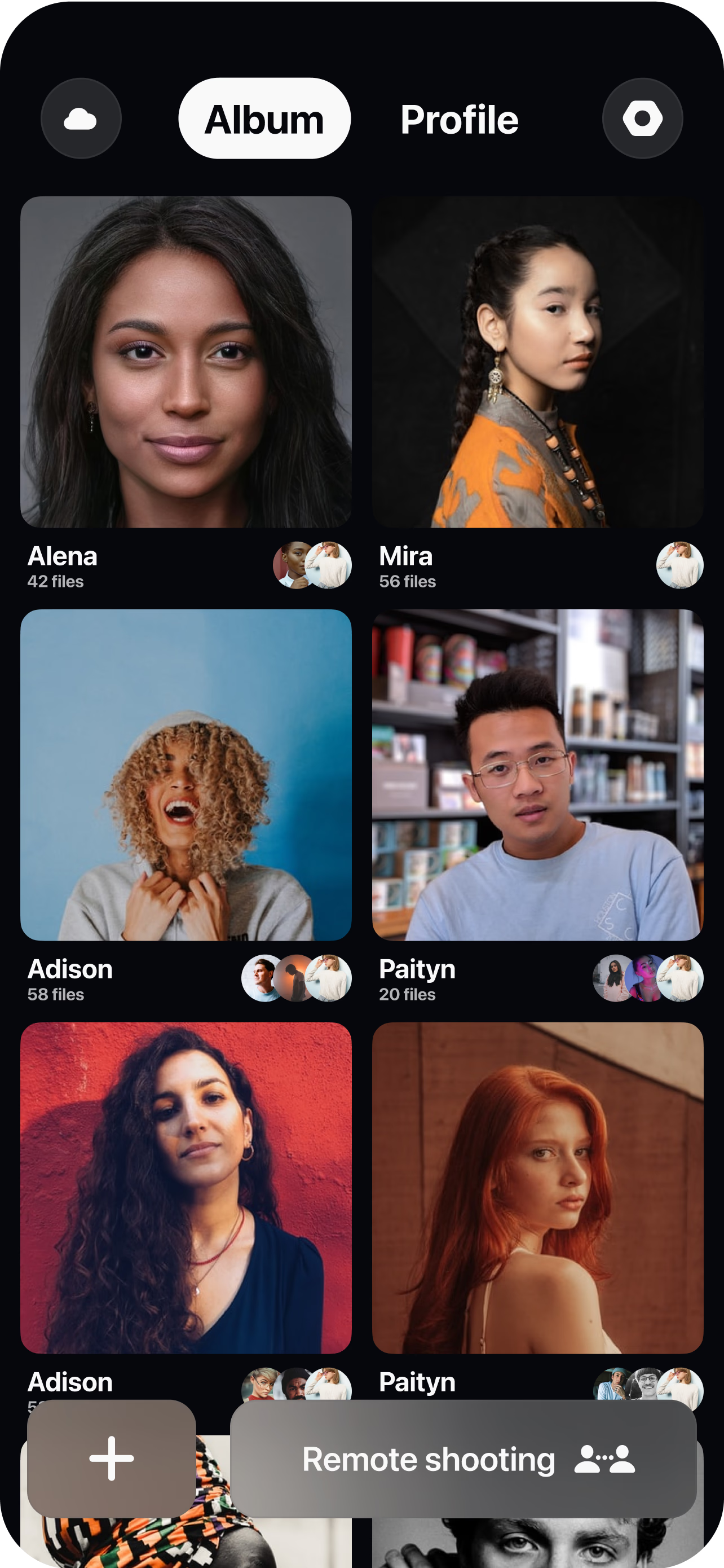
Create a virtual room and share the link
Set up a session and send each employee a single join link — no app to learn, no scheduling a studio. People teams can batch invites by office, department or onboarding cohort.
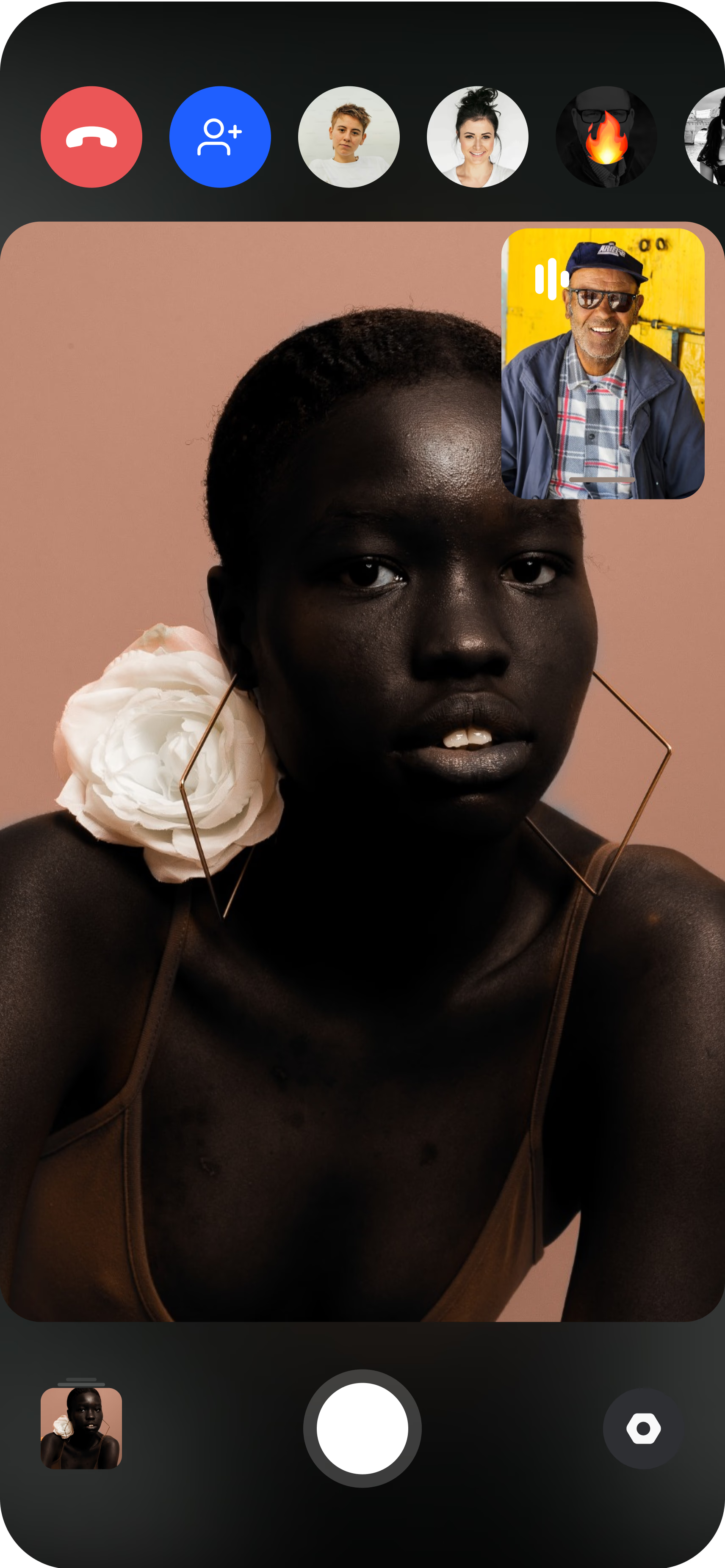
The employee joins from their phone
They open the link, prop the phone on a shelf or tripod, and the director sees the live feed instantly. A quick background and lighting check keeps every shot on-brand.
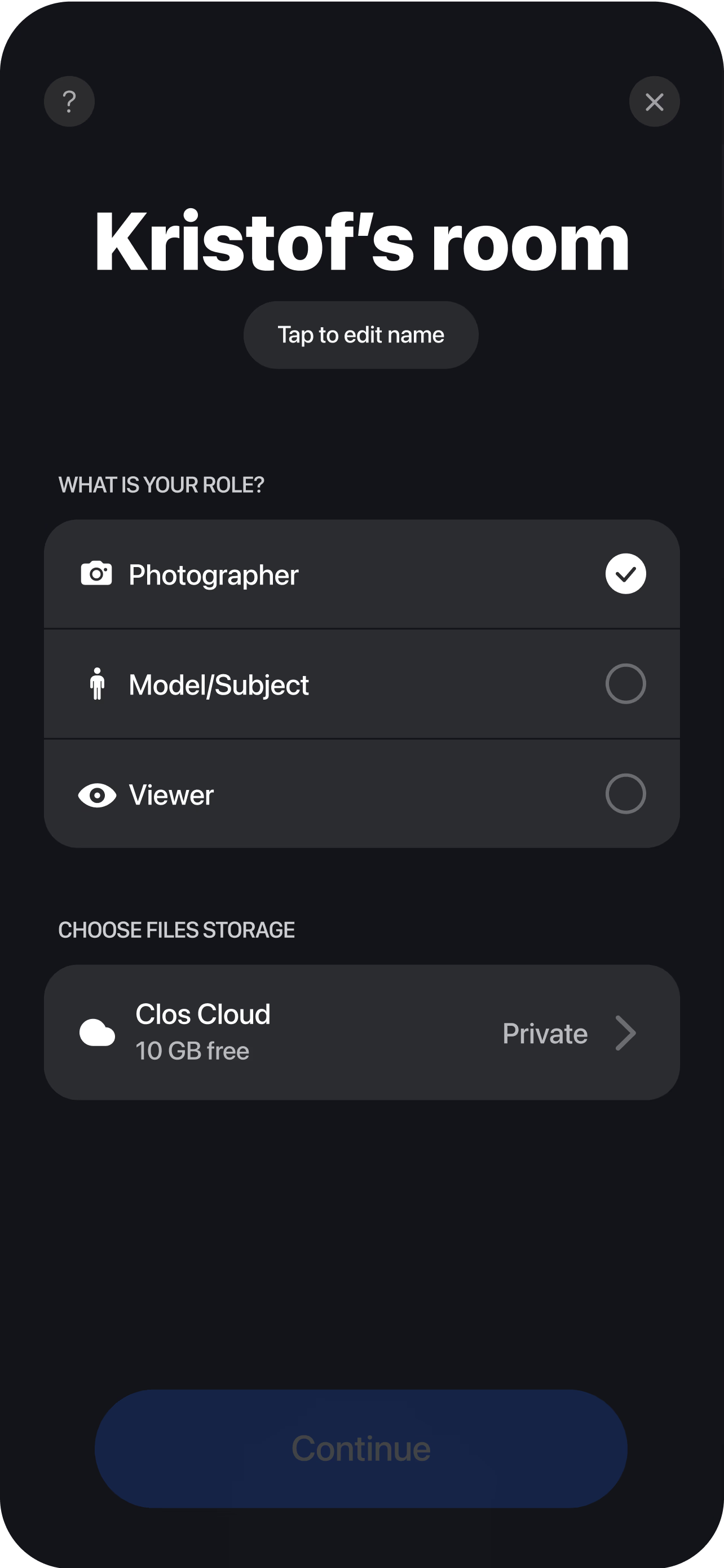
Direct and capture remotely
The photographer adjusts framing, focus, ISO and white balance, guides the pose, then triggers full-resolution captures — the same recipe applied to every person for a uniform set. Each headshot uploads in real time, organized by person, ready for HR to review, approve and download for the team page and internal directory.
Why CLOS for remote corporate headshots
Consistency is the whole point of a corporate headshot program. CLOS protects it by keeping the camera in the director’s hands, not in a self-timer.
Why CLOS
- True consistency — apply one framing and lighting template across hundreds of employees
- No travel budget — shoot every office and remote worker without flights or studio fees
- Fast onboarding — add a new hire's headshot in minutes, not at the next quarterly studio day
- Full-resolution & RAW — print-ready files, not webcam screenshots
- Built for non-photographers — employees just join a link; the director does the rest
- Centralized delivery — every portrait in one cloud dashboard, organized by person
Remote corporate headshots vs. video calls vs. flying a photographer
| CLOS remote headshots | Zoom / video call | Photographer per office | |
|---|---|---|---|
| Image output | Full-resolution photos & RAW | Low-res screenshots | Full-resolution photos |
| Consistency across team | One template for everyone | Varies wildly | Varies by photographer & day |
| Reaches remote staff | Anywhere with a phone | Anywhere, but low quality | Travel required |
| Cost for a distributed team | From free | n/a for headshots | High — fees plus travel |
| Time to add a new hire | Minutes | n/a | Wait for next shoot day |
For a head-to-head, see CLOS vs. Zoom for photoshoots and the best remote photoshoot apps.
Use cases for HR and people teams
- Distributed team pages — keep your website and intranet directory uniform across offices. Run it as a virtual photoshoot.
- Onboarding new hires — capture a matching headshot on day one, wherever the person sits.
- Executive and press portraits — direct leadership headshots remotely without a studio day.
- Agencies serving corporate clients — deliver headshot programs for client teams across cities. Pair with remote customer case studies for client storytelling.
- Refresh cycles — re-shoot the whole company on the same template when branding changes.
What you get on each plan
Start free to test the look on a few employees, then scale to the whole org.
| Plan | Best for | Highlights |
|---|---|---|
| Free | Piloting headshots with a few staff | 1 GB cloud, remote photo/video capture, focus & flash control, hi-res, archive download |
| Pro | People teams & agencies | 5 GB cloud, RAW / Apple ProRAW, telephoto & ultra-wide, ISO / shutter / WB, up to 6 viewers, non-expiring albums |
| Enterprise | Large distributed organizations | Dedicated servers, team accounts, personal branding and custom features |
See full pricing for details.
Roll out consistent team headshots remotely
Create a virtual room, invite your team and capture on-brand headshots for everyone — no studio, no travel. Free to start, no credit card required.
Frequently asked questions
What are remote corporate headshots? +
How do I run remote headshots for a distributed team? +
How do you keep headshots consistent across employees? +
Do employees need to install anything or be photographers? +
Is CLOS free for corporate headshots? +
How is this different from a Zoom screenshot? +
Can we get RAW or print-ready files for press kits? +
Where are the headshots stored and is it secure? +
Related
- Virtual photoshoot platform
Run any directed remote shoot — the engine behind team headshots.
- Remote customer case studies
Capture client and customer stories remotely.
- Remote video interviews
Record on-brand interviews with distributed staff.
- CLOS vs. Zoom for photoshoots
Why a video call can't deliver real headshots.
- Best remote photoshoot apps
How CLOS compares to other remote tools.
- Pricing
Free, Pro and Enterprise plans.