Remote Product Photography for Ecommerce & DTC Catalogs
Shoot catalog and PDP images without shipping a single sample. Someone on-site places the product, you control the camera and frame every shot — full-resolution files land in the cloud as you go.
Short answer
Remote product photography is a real catalog shoot run from a distance: someone on-site holds or places the product while you control the camera remotely — setting focus, exposure and RAW, and framing every shot yourself. With CLOS, full-resolution files upload to a cloud dashboard as you shoot, so your team gets consistent, production-ready PDP images without shipping a single sample to a studio.
Key takeaways
- No shipping — the product stays with a supplier, warehouse or teammate; you direct the shoot remotely
- Full remote camera control — focus, exposure, ISO, shutter, white balance and RAW on every frame
- Consistent catalog look — frame, crop and angles match across an entire product line
- Full-resolution PDP images land in the cloud in real time, ready to retouch and publish
- Faster and cheaper than booking a studio and freighting samples back and forth
What is remote product photography?
Remote product photography is a way to shoot ecommerce and catalog images when the photographer and the product are in different places. A teammate, supplier or warehouse contact positions the item on a table or backdrop, and you connect to their phone camera over a virtual room to set the frame, dial in exposure and trigger the shutter — exactly as you would standing behind the camera yourself.
The difference from a video call is control and output. CLOS turns any recent iPhone or Android into a directable, full-resolution camera, so you capture true RAW and high-resolution files for product detail pages — not compressed screenshots. That makes it a practical replacement for shipping samples to a studio, especially when you have new SKUs landing weekly or stock spread across multiple locations.
How remote product photography works
CLOS keeps the workflow close to a tabletop studio shoot — minus the freight.
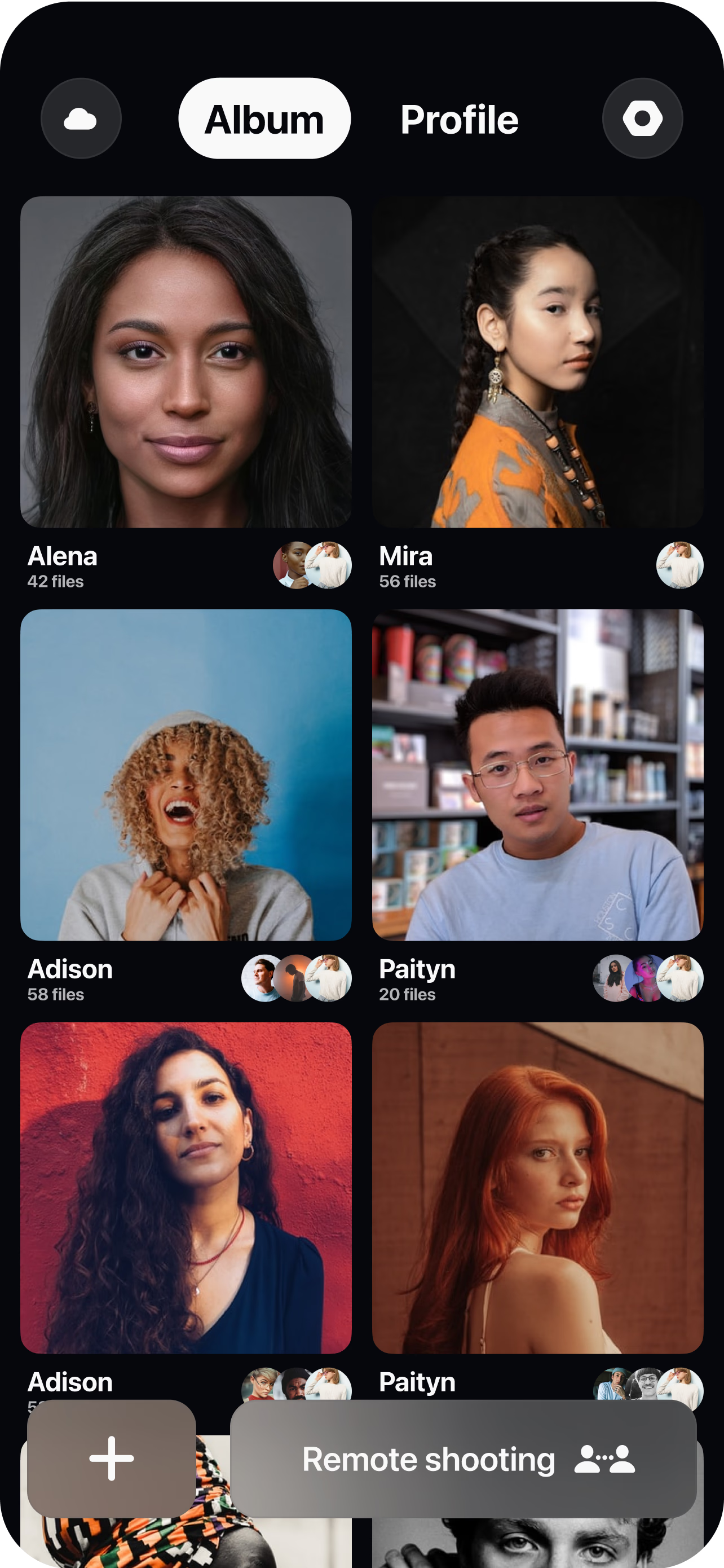
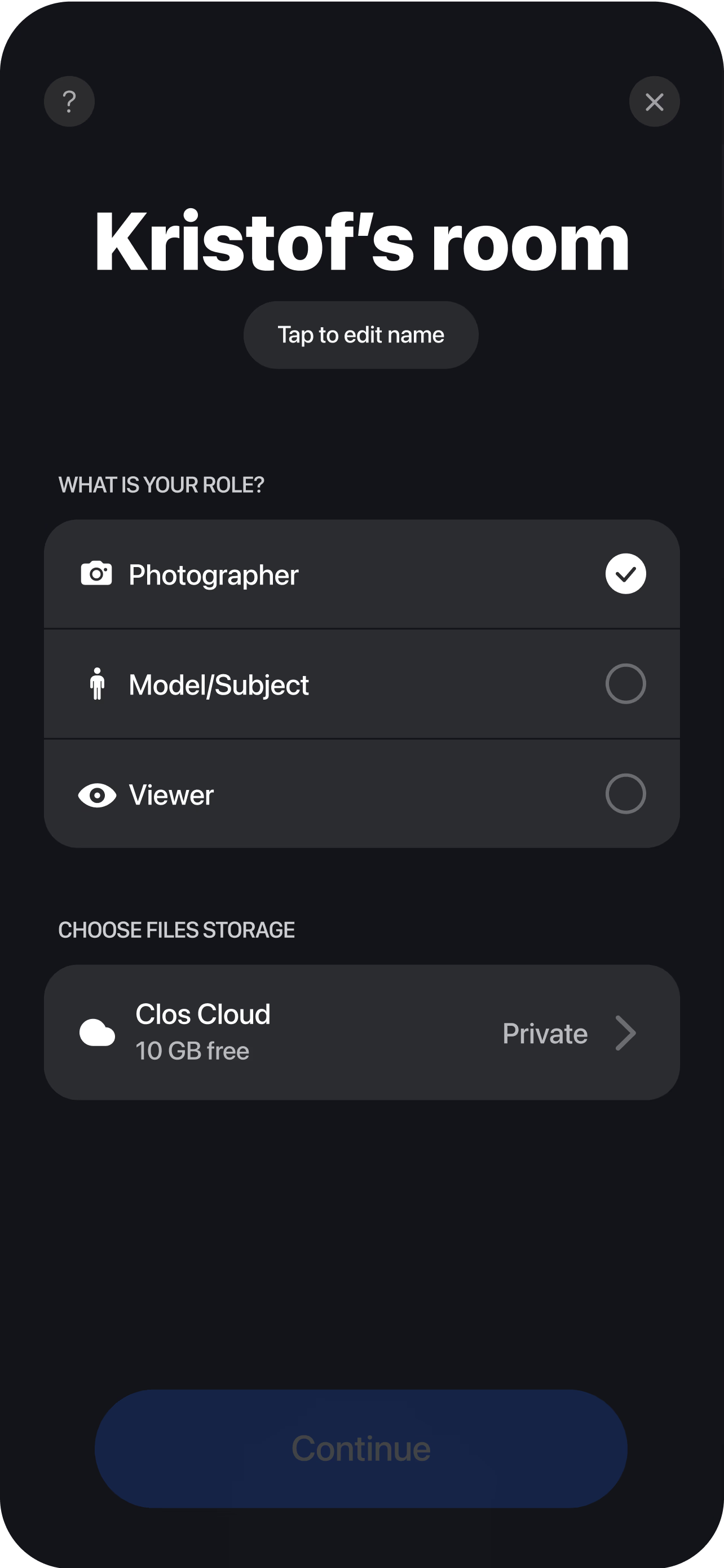
Create a virtual room
Spin up a session and send the on-site handler — a warehouse staffer, supplier or colleague — a single join link.
Pair the capture device
They prop the phone on a tripod facing the product table. You see the live feed instantly and can guide lighting and backdrop placement.
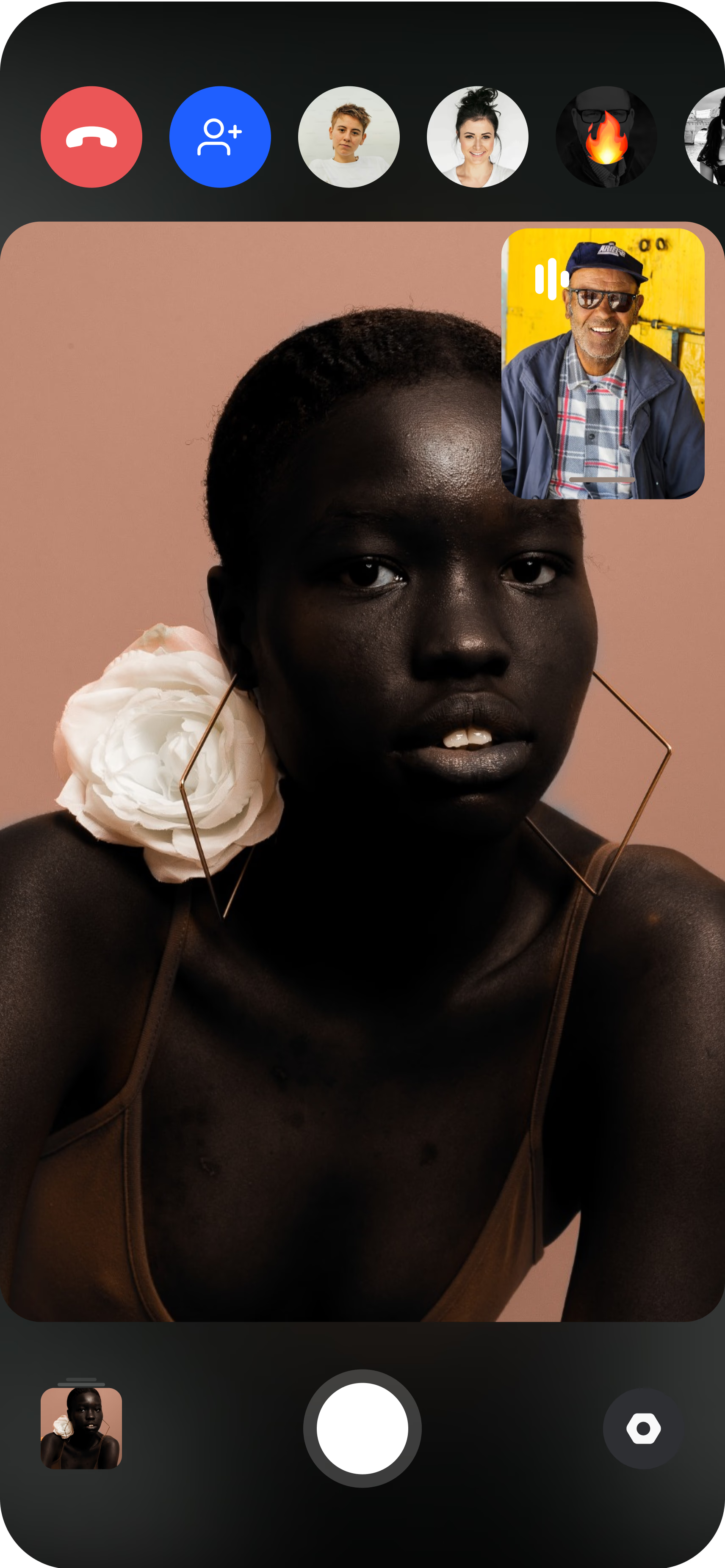
Frame and capture remotely
Set focus on the product, adjust exposure, ISO and white balance, then trigger the shutter — every angle captured at full resolution and RAW. Each shot uploads to your dashboard in real time, so the catalog, retouching and merchandising teams can review and pull files the moment a SKU is done.
Why ecommerce teams choose CLOS
Catalog work lives or dies on consistency and turnaround. CLOS is built so every SKU is framed the same way and ready to publish fast.
Why CLOS
- Skip the freight — shoot samples where they sit instead of shipping to a studio
- Locked-in consistency — same angle, crop and exposure across hundreds of products
- RAW for retouching — clean files for clipping paths, color correction and white backgrounds
- Speed to PDP — new SKUs go from table to live product page in hours, not weeks
- Built to shoot, not to talk — purpose-built remote capture, not a video-call workaround
- Source-direct shooting — photograph straight from a supplier or 3PL anywhere in the world
Remote product photography vs. video calls vs. shipping to a studio
| CLOS remote product shoot | Zoom / video call | Ship to a studio | |
|---|---|---|---|
| Image output | Full-resolution photos & RAW | Low-res screenshots | Full-resolution photos |
| Remote camera control | Yes — focus, ISO, shutter, RAW | No | Photographer on-site only |
| Sample logistics | None — shoot where it sits | None | Pack, freight & return each SKU |
| Catalog consistency | Locked frame across SKUs | Hard to control | High, but slow per batch |
| Time to first shot | Minutes | n/a | Days to weeks |
| Typical cost | From free | n/a for photography | Studio day rate + shipping |
For a head-to-head, see remote photoshoot vs. AI photoshoot — real product photos versus generated images that can misrepresent a SKU.
Remote product photography use cases
- Catalog & PDP images — shoot clean, consistent detail-page photos for a full product line. Pair with a broader virtual photoshoot workflow.
- Campaign & lifestyle product shots — direct styled product scenes for launches. See remote brand campaign photoshoots.
- Marketplace & reseller listings — capture stock held at a 3PL or supplier without it ever leaving the building.
- Reviews & social proof imagery — combine product shots with authentic creator content. See remote UGC product reviews.
What you get on each plan
Remote product photography scales with your catalog — start free, upgrade for RAW and the storage a full product line needs.
| Plan | Best for | Highlights |
|---|---|---|
| Free | A first remote product test | 1 GB cloud, remote photo/video capture, focus & flash control, hi-res, archive download |
| Pro | Working catalog shooters | 5 GB cloud, RAW / Apple ProRAW, telephoto & ultra-wide, ISO / shutter / WB, up to 6 viewers, non-expiring albums |
| Enterprise | Brands & marketplaces at scale | Dedicated servers, team accounts, custom branding and workflow integrations |
See full pricing for details.
Shoot your catalog without shipping a sample
Create a virtual room, have someone on-site place the product, and start capturing full-resolution PDP images in minutes. Free to start — no credit card required.
Frequently asked questions
What is remote product photography? +
How do I shoot ecommerce product photos remotely with CLOS? +
Do I need to ship product samples to a studio? +
Can I capture RAW files for product retouching? +
How does this keep my catalog images consistent? +
How is this different from a Zoom call or AI product images? +
Is CLOS free to use? +
Where are my product photos stored and are they secure? +
Related
- Remote brand campaign photoshoots
Direct styled product and campaign scenes remotely.
- Remote UGC product reviews
Pair product shots with authentic creator content.
- Virtual photoshoot platform
The full remote camera-control workflow.
- Remote photoshoot vs. AI photoshoot
Real product photos versus generated images.
- Pricing
Free, Pro and Enterprise plans.