Remote UGC Campaigns — Direct Creators at Scale, Capture Ad-Ready UGC Remotely
Brief many creators, control their cameras remotely, and produce authentic-but-consistent UGC photo and video for ads. Full-resolution files land in the cloud as you shoot — so you can test and iterate fast.
Short answer
A remote UGC campaign is user-generated content produced at scale without flying anyone anywhere: each creator films on their own phone while you direct the camera remotely — framing, focus, exposure and capture — so dozens of authentic clips and photos stay on-brand and ad-ready. CLOS captures everything at full resolution and delivers it to the cloud live, so you can cut and test new variations the same day.
Key takeaways
- Direct dozens of creators remotely from one dashboard — consistent framing and quality across every shoot
- Capture full-resolution photo and video, not compressed phone exports or screen recordings
- Keep UGC authentic but controlled — real people, real homes, your art direction
- Files upload to the cloud in real time, so editors can start cutting ad variations immediately
- Spin up new creator shoots in minutes to feed always-on testing across Meta, TikTok and YouTube
What is a remote UGC campaign?
A remote UGC campaign is a coordinated production where many creators shoot user-generated content for your brand from wherever they are, while your team directs each capture remotely. Instead of mailing product to creators and hoping the footage matches your spec, you join a live session, set the frame, lock focus and exposure, and trigger the camera yourself. The result looks like genuine creator content — because it is — but it arrives with the consistency, resolution and usage rights a paid-ads pipeline actually needs.
CLOS is the remote photoshoot platform that makes this possible: it turns each creator’s iPhone or Android into a directable, full-resolution camera, so a growth team can run a whole roster of shoots without ever leaving the office.
How remote UGC production works
CLOS keeps creator shoots fast and repeatable, so you can scale from one creator to fifty without losing the look.
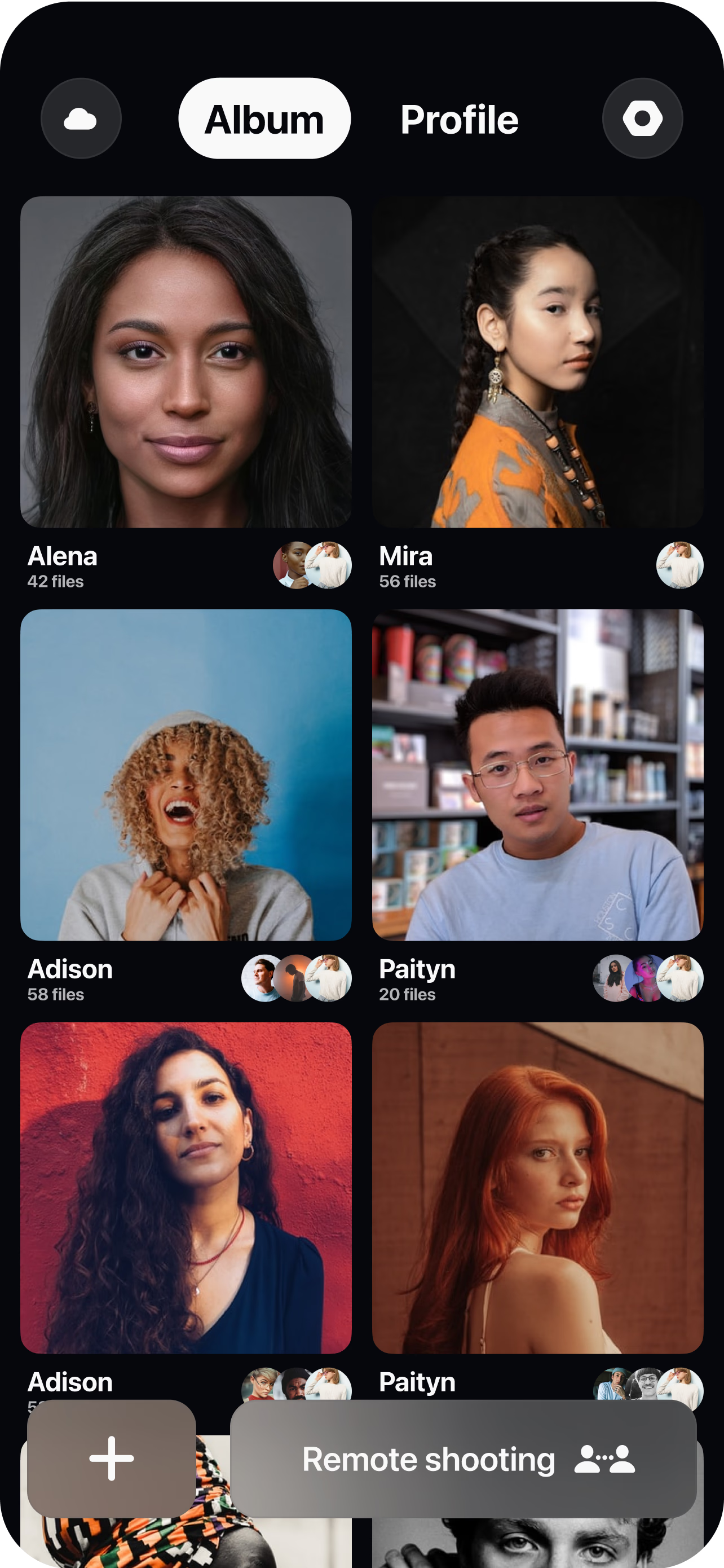
Brief and open a room per creator
Build the shot list once, then create a virtual room and send each creator a single link — no app store hunt, no scheduling a studio.
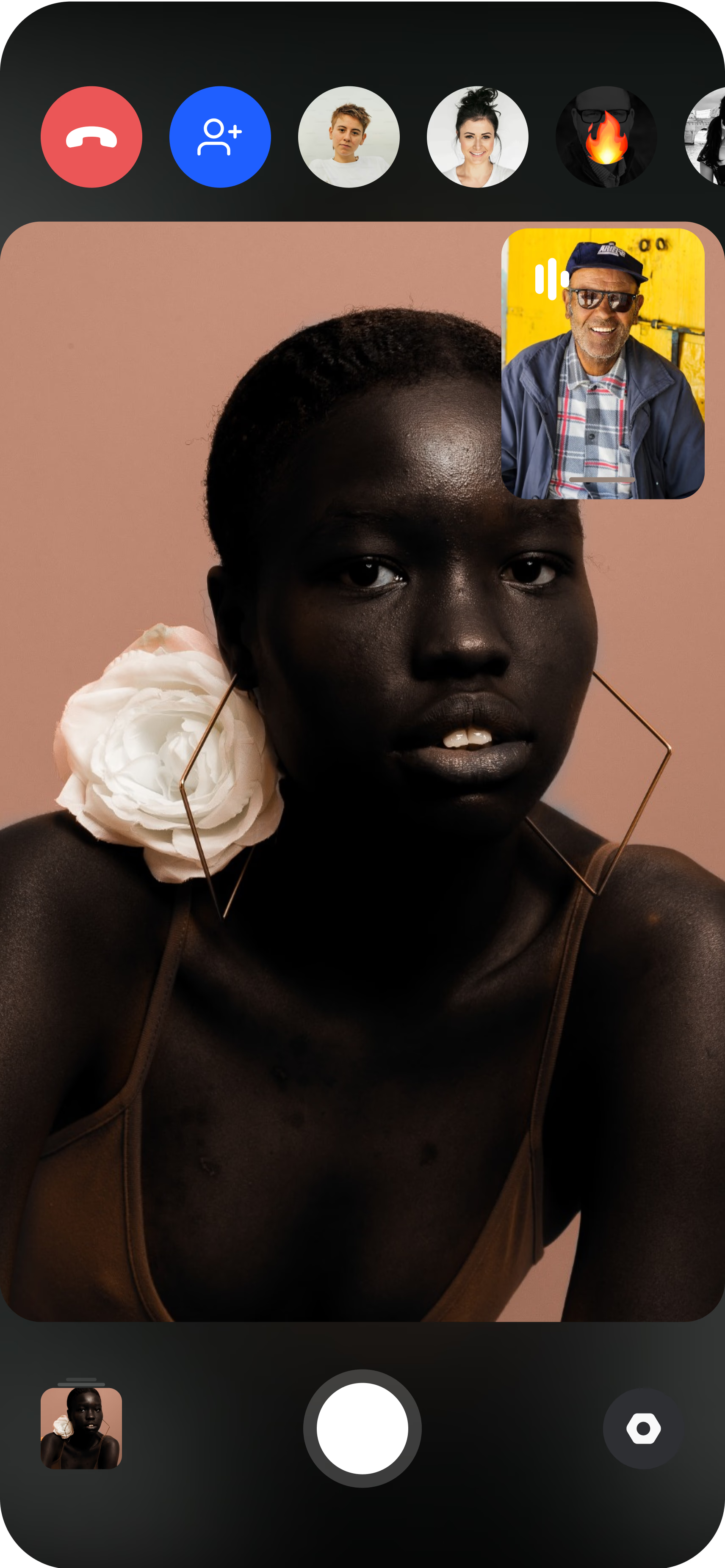
The creator joins from their phone
They prop the phone on a tripod or hold it, and you instantly see their live camera feed in their real environment.
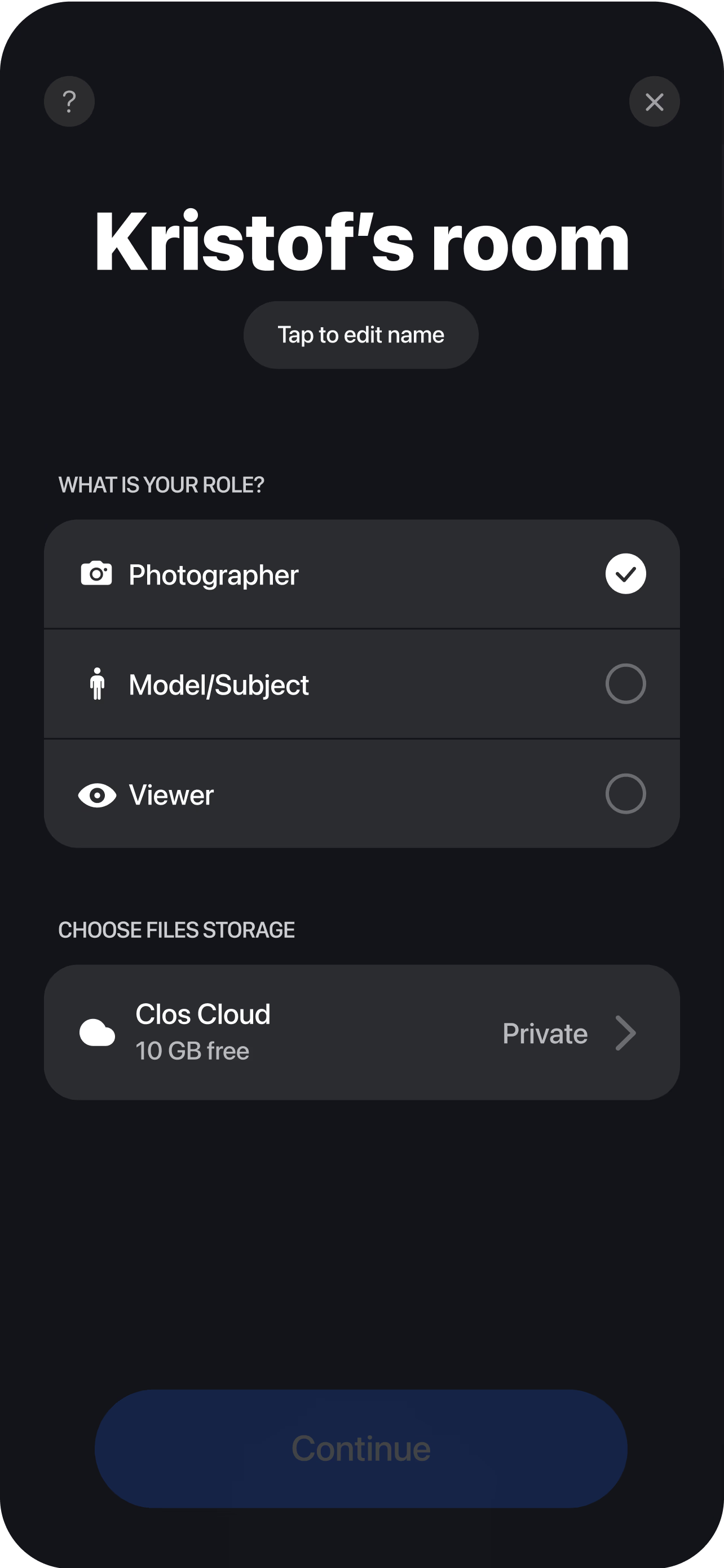
Direct and capture remotely
Set the framing, adjust focus, ISO and white balance, and trigger photo or video capture yourself so every creator delivers the same on-brand quality. Each clip and frame uploads to your cloud dashboard in real time, so editors can cut hooks, variations and aspect ratios while the next creator shoots.
Why growth teams choose CLOS for UGC
Scaling UGC usually means trading control for volume — inconsistent lighting, off-brand framing and unusable resolution. CLOS removes that trade-off.
Why CLOS
- Quality control at scale — direct every creator's camera so 30 shoots look like one brand
- True ad resolution — full-res photo and RAW/ProRAW, plus remote video, not lossy uploads
- Faster creative velocity — go from brief to testable variations in hours, not weeks
- No shipping, no travel — skip product seeding logistics and studio bookings entirely
- Authenticity preserved — real creators in real settings, with your art direction on top
- Built to shoot, not to call — purpose-made remote capture, not a screen-grabbed video chat
Remote UGC vs. shipping product vs. in-house shoots
| CLOS remote UGC | Ship product to creators | In-house studio shoot | |
|---|---|---|---|
| Creative control | Live, per capture | Brief only — hope for the best | Full but slow |
| Output quality | Full-res photo & video, RAW | Whatever the creator exports | Full resolution |
| Consistency across creators | High — you direct each one | Low — varies by creator | High |
| Time to first usable asset | Same day | 1–3 weeks | Days to schedule |
| Scales to dozens of creators | Yes | Slowly & expensively | Rarely |
| Logistics | A link | Shipping & tracking | Studio, crew, travel |
For a closer look, see remote photoshoot vs. AI photoshoot and CLOS vs. Zoom for photoshoots.
Remote UGC campaign use cases
- Product reviews & demos — capture creators unboxing and using your product on camera. See remote UGC product reviews.
- Testimonials & social proof — film authentic customer testimonials at scale. See remote UGC testimonials.
- Influencer activations — direct paid and gifted creators across markets in one push. See remote influencer collaborations.
- Performance video for ads — produce a library of hooks and variations to feed always-on testing. See remote video shoot.
What you get on each plan
UGC volume scales with you — start free to prove the workflow, then upgrade for RAW, video and the storage a full campaign needs.
| Plan | Best for | Highlights |
|---|---|---|
| Free | Piloting a first creator shoot | 1 GB cloud, remote photo/video capture, focus & flash control, hi-res, archive download |
| Pro | Always-on UGC creative | 5 GB cloud, RAW / Apple ProRAW, telephoto & ultra-wide, ISO / shutter / WB, up to 6 viewers, non-expiring albums |
| Enterprise | Agencies & brand teams | Dedicated servers, team accounts, personal branding and custom features for high-volume campaigns |
See full pricing for details.
Scale your next UGC campaign without the logistics
Brief your creators, direct their cameras remotely and pull ad-ready assets the same day. Free to start — no credit card required.
Frequently asked questions
What is a remote UGC campaign? +
How do I run UGC at scale with CLOS? +
Is remote UGC still authentic enough for ads? +
What does it cost to produce UGC this way? +
How is this different from shipping product to creators? +
Can I capture both photo and video for the same campaign? +
How many creators can I direct? +
Do creators need to install anything? +
Related
- Remote UGC product reviews
Capture creators reviewing and demoing your product.
- Remote UGC testimonials
Film authentic customer testimonials at scale.
- Remote influencer collaborations
Direct paid and gifted creators across markets.
- Remote video shoot
Produce performance video and ad hooks remotely.
- Remote vs. AI photoshoot
Why real creator content beats generated images.
- Pricing
Free, Pro and Enterprise plans.