Remote Video Interviews — Direct the Camera, Capture Full-Resolution Footage Remotely
Interview anyone, anywhere, and walk away with broadcast-grade footage — not a compressed video-call recording. You control the framing, focus and exposure on their phone; the file is captured at full resolution.
Short answer
A remote video interview is an on-camera interview where the subject and the producer are in different places. With CLOS you don’t just join a call — you take control of the camera on your subject’s phone, setting the frame, focus and exposure, while full-resolution footage records locally and uploads to your cloud dashboard. The result looks like a real shoot, not a pixelated Zoom capture.
Key takeaways
- Direct the subject's camera remotely — framing, focus, exposure and white balance, not just a join link
- Capture full-resolution footage locally instead of a compressed, bandwidth-throttled call recording
- Files upload to your cloud dashboard in real time, ready to edit the moment you wrap
- Browser-first rooms — guests and clients join with a link, no install or login friction
- Works with any recent iPhone or Android, anywhere in the world

What is a remote video interview?
A remote video interview is an interview shot on camera where the interviewer, the subject and the rest of the crew are not in the same room. Most teams reach for a video-conferencing tool, then live with the consequences: soft, compressed footage, automatic exposure that drifts, and framing they can’t fix. A proper remote interview workflow gives the producer real control over how the subject is captured and preserves the footage at full quality.
CLOS turns the subject’s phone into a directable cinema-style camera. You frame the shot, lock focus and exposure, and the footage is captured at native resolution on the device — then delivered to the cloud — so what you get back is edit-ready interview footage, not a screen recording of a call.
How a remote video interview works
CLOS keeps the shoot feeling like a real set, even when your subject is on the other side of the planet.
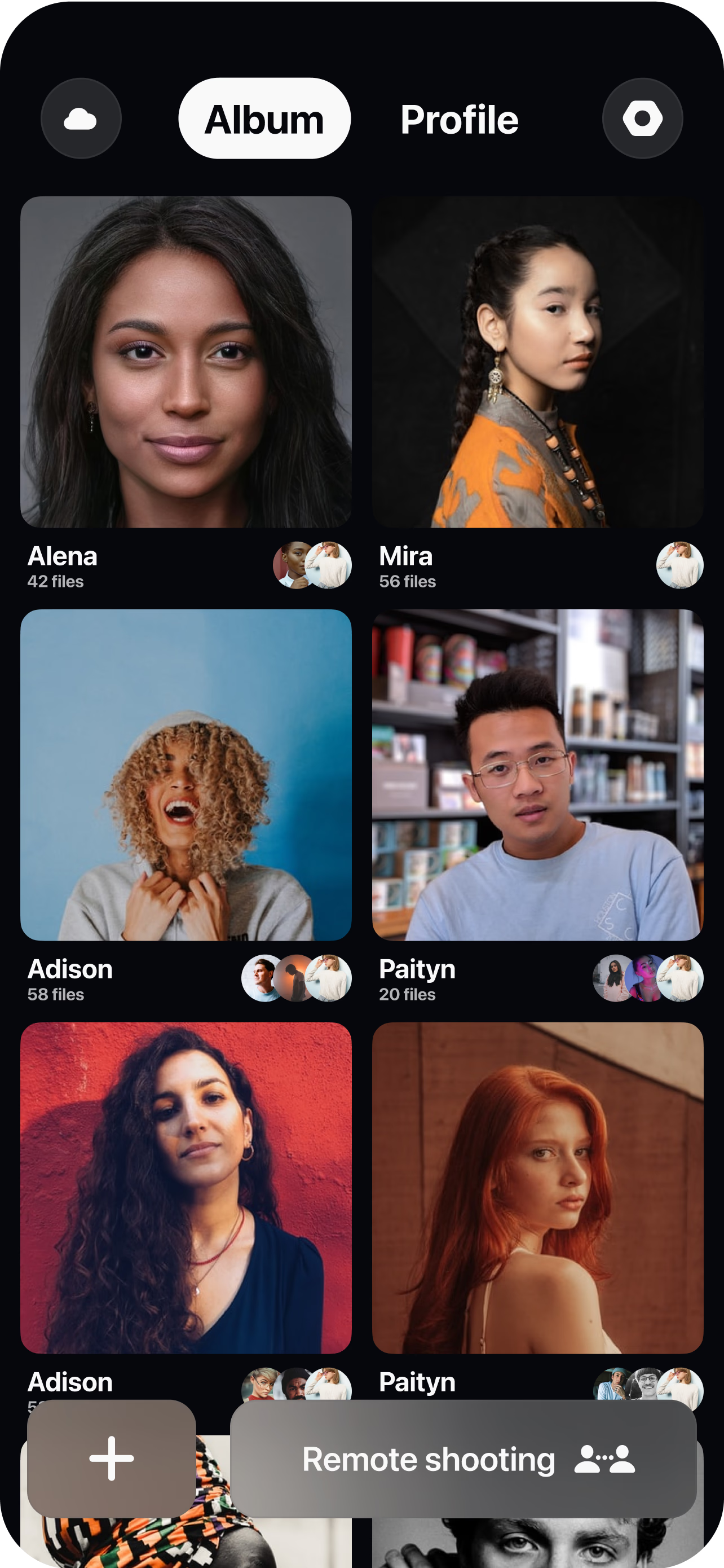
Create a room and invite your subject
Spin up a session and send a single link. Your interview subject, a second guest or a client can all join in seconds from a browser — no account or download required.
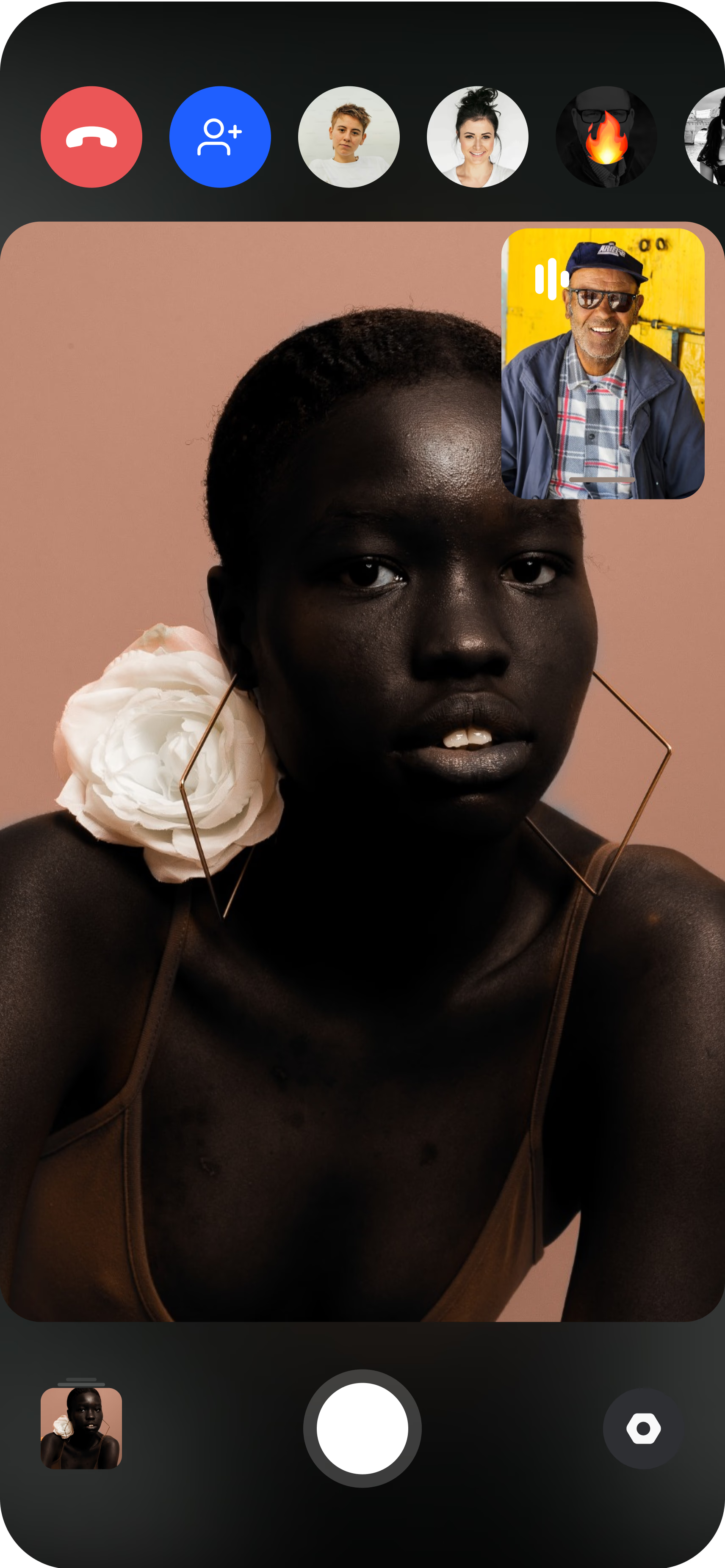
Pair the subject's camera
The subject opens CLOS on their phone and props it on a tripod or stand. You see their live feed instantly and can guide framing, distance and lighting before you roll.
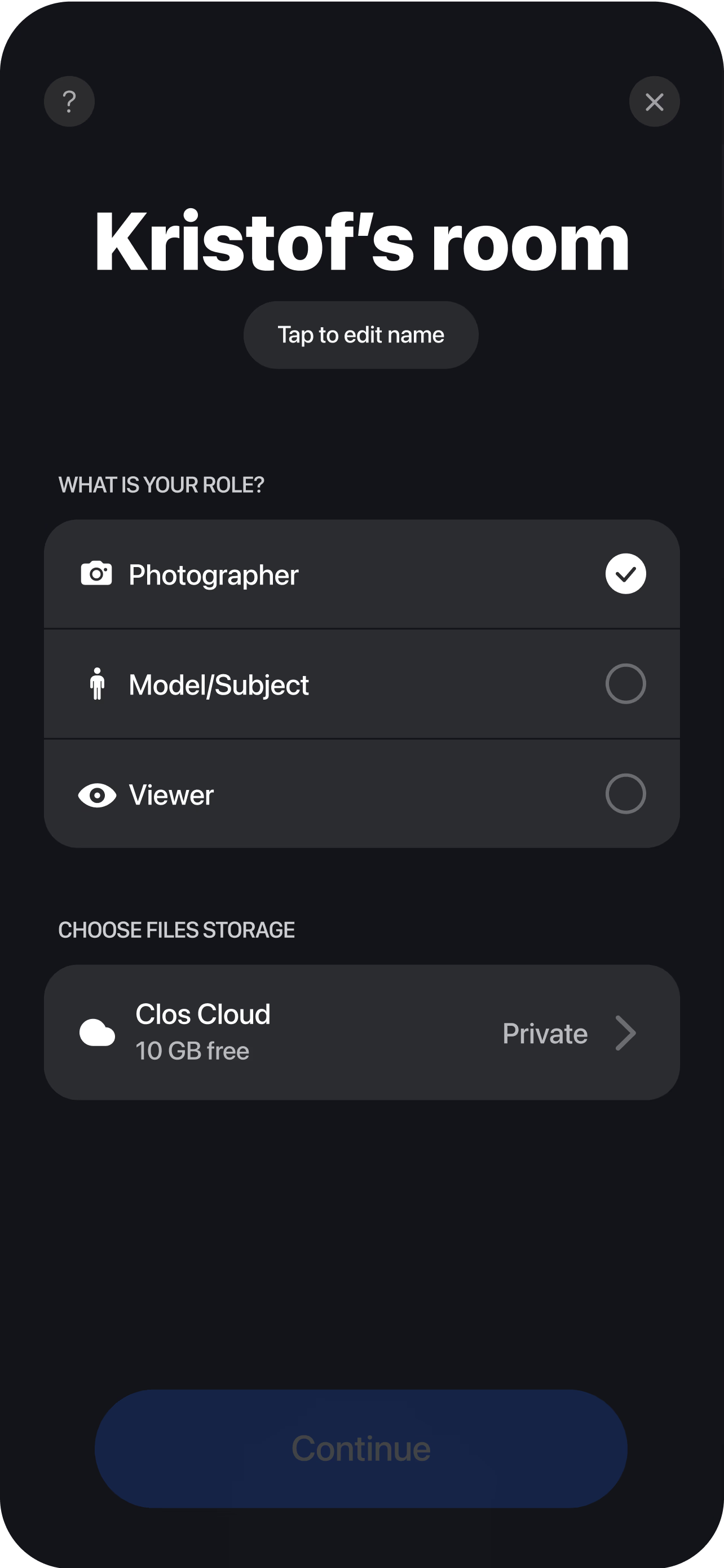
Direct and record remotely
Set the frame, lock focus and exposure, choose white balance, then start recording. Footage is captured at full resolution on the device, not squeezed through the call's video stream. Every take uploads to your cloud dashboard as you go, so your editor can start cutting the moment the conversation ends — no file transfers to chase down.
Why producers choose CLOS for remote interviews
An interview is only as good as the footage you walk away with. CLOS protects image quality and directorial control end to end.
Why CLOS
- Footage you can actually grade — full-resolution, locally recorded clips, not call compression artifacts
- Directorial control — you set the frame and exposure, so every subject is captured consistently
- No travel — book and shoot interviews across time zones the same day
- Built to shoot, not to talk — a conferencing app optimizes for low bandwidth; CLOS optimizes for quality
- Multi-subject ready — capture each guest at full quality for a clean two-camera edit
- Fast turnaround — cloud delivery means the edit starts before your guest logs off
Remote interviews: CLOS vs. Zoom vs. flying a crew
| CLOS remote interview | Zoom / call recording | In-person crew | |
|---|---|---|---|
| Footage quality | Full-resolution, locally recorded | Compressed, bandwidth-limited | Full-resolution |
| Camera control | Yes — frame, focus, exposure, WB | No — auto only | On-site only |
| Travel & logistics | None | None | Flights, gear, scheduling |
| Time to shoot | Same day | Same day | Days to weeks |
| Consistency across subjects | High — you set the look | Low — depends on each device | High |
| Typical cost | From free | n/a for production | High |
For a head-to-head, see CLOS vs. Zoom for photoshoots.
Remote video interview use cases
- Podcasts & shows — capture guest video at full quality for a polished multi-cam cut. Pair it with a full remote video shoot when you need B-roll too.
- Customer & founder stories — record interview footage for case studies and brand films. See remote customer case studies.
- Video testimonials — collect on-camera quotes from customers anywhere. See remote video testimonials.
- Documentary & brand films — direct distributed contributors without a travel budget. See remote video shoot.
What you get on each plan
Remote interviews scale with you — start free, upgrade when you need RAW-grade controls and more storage.
| Plan | Best for | Highlights |
|---|---|---|
| Free | A first remote interview | 1 GB cloud, remote video capture, focus & flash control, hi-res, archive download |
| Pro | Working producers | 5 GB cloud, advanced ISO / shutter / WB control, telephoto & ultra-wide, up to 6 viewers, non-expiring albums |
| Enterprise | Studios & agencies | Dedicated servers, team accounts, personal branding and custom features |
See full pricing for details.
Shoot your next remote interview in full resolution
Create a room, invite your subject and direct their camera in minutes. Free to start — no credit card required.
Frequently asked questions
What is a remote video interview? +
How do I record a high-quality remote interview with CLOS? +
Why is this better than recording a Zoom interview? +
How is this different from a full remote video shoot? +
Does my interview subject need to install anything? +
Is CLOS free to use for interviews? +
Can I interview more than one person at full quality? +
Is the footage secure and where is it stored? +
Related
- Remote video shoot
Full remote video production with B-roll and multiple setups.
- Remote customer case studies
Record founder and customer stories on camera.
- Remote video testimonials
Collect on-camera testimonials from anywhere.
- CLOS vs. Zoom
Why a video call can't deliver production footage.
- Pricing
Free, Pro and Enterprise plans.