UGC Testimonials — Authentic, Customer-Shot Social Proof, Captured Remotely
Get real customers on camera to share their story — relatable like UGC, but framed, lit and captured at full resolution. You direct the remote phone, they bring the authenticity.
Short answer
A UGC testimonial is a customer telling their story on their own phone, so it feels real rather than scripted. With CLOS you capture that authenticity remotely while still directing the camera — framing, focus and exposure — so the clip looks intentional and lands at full resolution. The result is social proof that reads as genuine UGC but is actually shoot-grade and ready to post.
Key takeaways
- Authentic, customer-shot feel — real people on their own phones, not actors on a stage
- You still direct the camera remotely — frame, focus and exposure stay usable, not shaky
- Full-resolution video and stills from one short session, ready for paid and organic social
- No shipping kits or scheduling crews — invite a customer with a link
- Capture testimonials at scale across cities, markets and time zones

What are UGC testimonials?
UGC testimonials are user-generated-content style customer reviews captured on camera: a real customer talking, on their own device, in their own space. That raw, first-person quality is exactly why social audiences trust them — they look like a friend’s recommendation, not a polished ad. The catch with traditional UGC is that you surrender control: customers film vertical, off-centre, backlit or low-resolution, and you can’t reshoot.
CLOS keeps the authenticity but gives you back the camera. The customer holds the phone; you connect remotely to frame the shot, lock focus and exposure, and trigger full-resolution capture — so the clip still feels like UGC but is genuinely usable as social proof content.
How remote UGC testimonials work
The session feels casual for the customer and controlled for you.
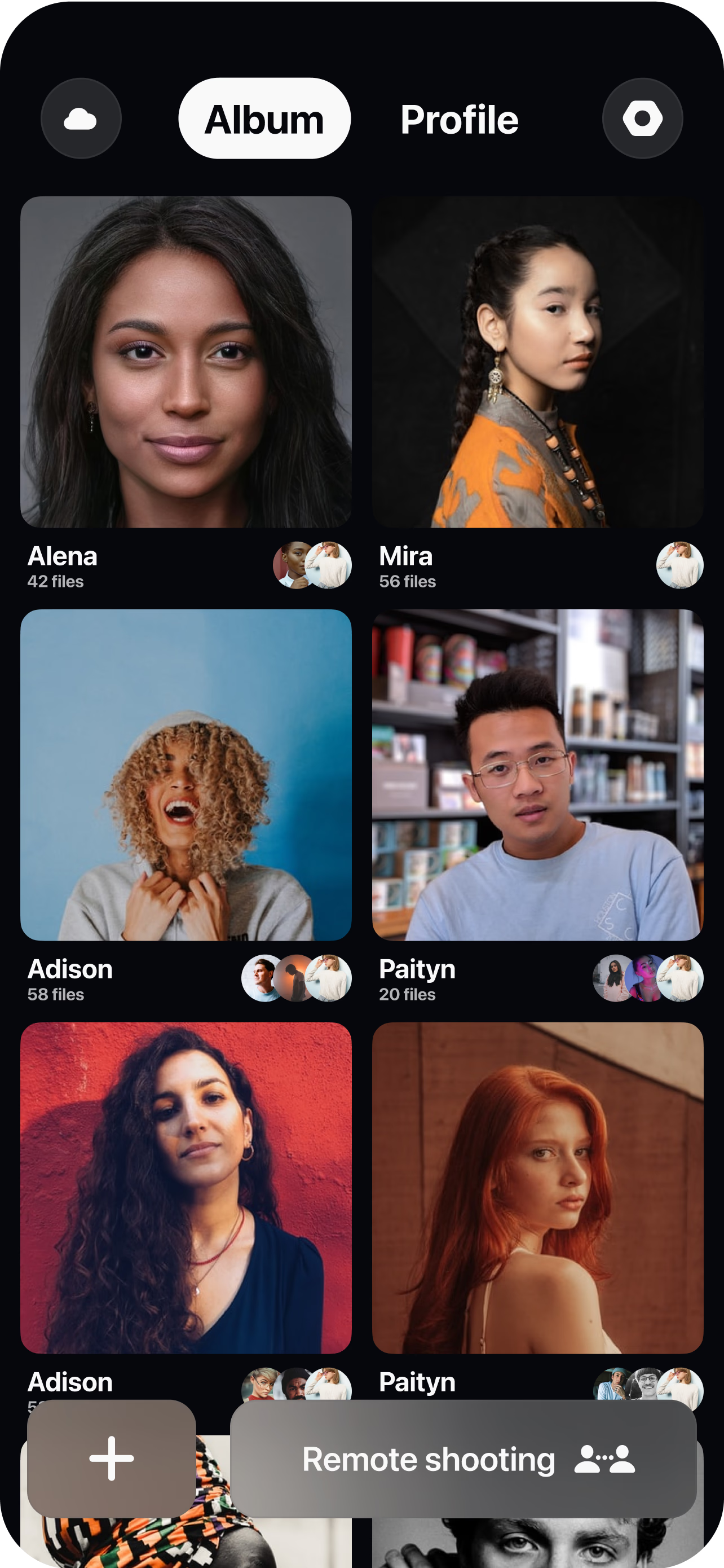
Send a room link
Spin up a virtual room and invite the customer with a single link — no app store hunting, no shipping a camera kit.
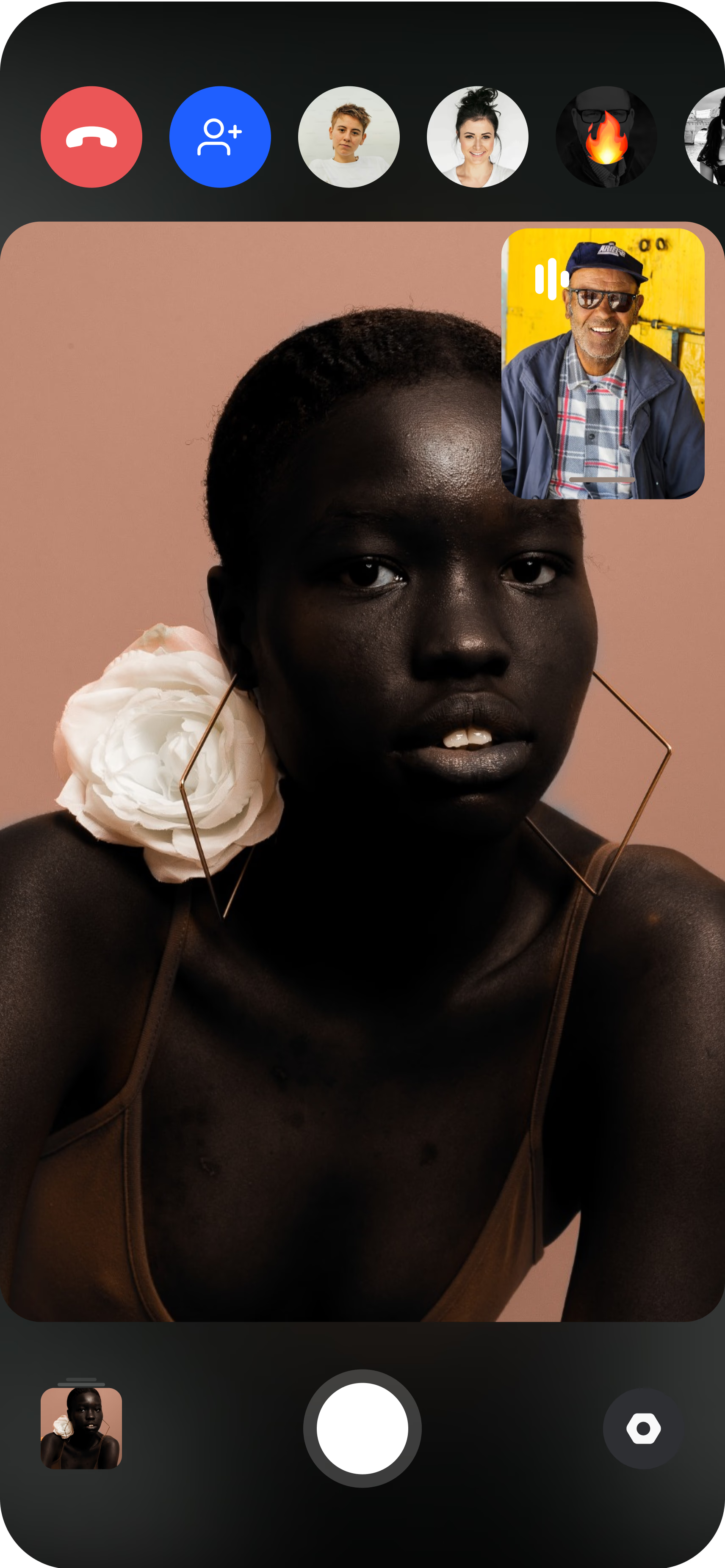
The customer joins on their phone
They open the live session from their own iPhone or Android, propped up or handheld, wherever they actually use your product.
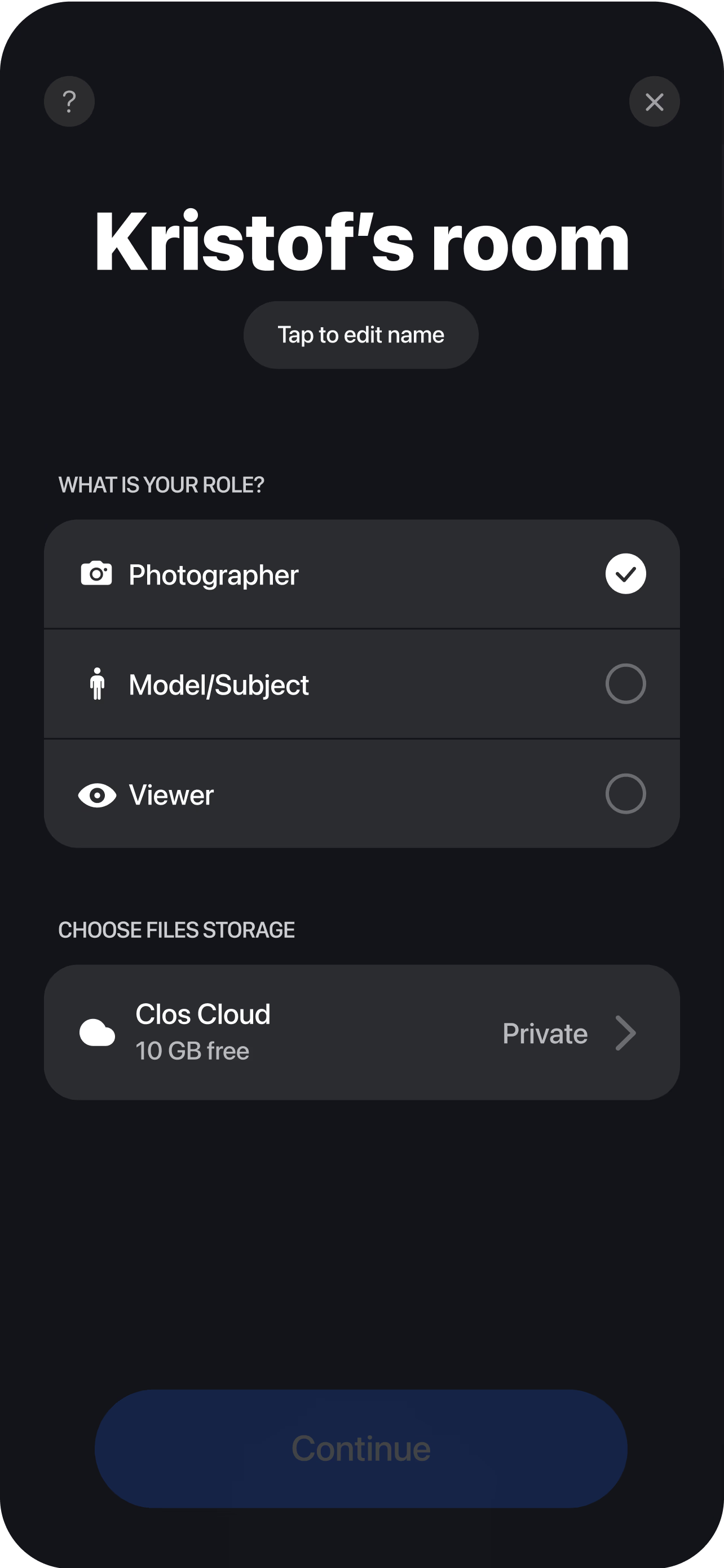
Direct the shot remotely
You see the live feed, nudge framing, set focus and exposure, then capture full-resolution video and stills while they tell their story. Every take lands in your dashboard in real time, ready to trim into ad cuts, reels and review carousels the moment you wrap.
Why CLOS for UGC testimonials
UGC only converts if it feels real — but it only ships if it’s usable. CLOS is built to hold both at once.
Why CLOS
- Real over staged — customers in their own space read as authentic, not corporate
- Usable quality — remote focus and exposure control kill the blurry, backlit UGC look
- Volume — capture dozens of customer stories without flying anyone anywhere
- Full-resolution files — crop, reframe and repurpose one clip across every channel
- Faster than shipping kits — go from outreach to footage in a single short call
- Built to capture, not to chat — a video call gives you screenshots; CLOS gives you footage
UGC testimonials vs. self-filmed UGC vs. a video call
| CLOS remote UGC | Self-filmed UGC | Zoom / video call | |
|---|---|---|---|
| Authentic, customer-shot feel | Yes — their phone, their space | Yes | Stilted, on a call |
| Camera direction | Remote focus, framing & exposure | None — hope for the best | None |
| Output quality | Full-resolution video & stills | Inconsistent, often low | Low-res screenshots |
| Reshoot control | Direct live, retake on the spot | Re-ask & wait | n/a |
| Time to footage | One short session | Days of back-and-forth | n/a for usable clips |
For more produced clips, see remote video testimonials; for the wider creator workflow, see remote UGC campaigns.
UGC testimonial use cases
- Paid social proof — short, authentic clips for ad creative that beats a glossy spot. Pair with remote UGC campaigns.
- Polished testimonial cuts — when a brand wants something more produced, see remote video testimonials.
- B2B customer proof — for deeper, structured stories, see remote customer case studies.
- Product reviews — capture customers demoing what they bought. See remote UGC product reviews.
What you get on each plan
Start free, then upgrade when you need higher-fidelity files and more storage for a library of customer stories.
| Plan | Best for | Highlights |
|---|---|---|
| Free | Your first customer testimonial | 1 GB cloud, remote video & photo capture, focus & flash control, hi-res, archive download |
| Pro | Always-on social proof | 5 GB cloud, RAW / ProRAW stills, telephoto & ultra-wide, ISO / shutter / WB, up to 6 viewers, non-expiring albums |
| Enterprise | Brands & agencies at scale | Dedicated servers, team accounts, personal branding and custom features |
See full pricing for details.
Capture your first UGC testimonial today
Send a customer a room link and get authentic, full-resolution social proof in one short session. Free to start — no credit card required.
Frequently asked questions
What is a UGC testimonial? +
How do I capture remote UGC testimonials with CLOS? +
How is this different from letting customers self-film? +
How is a UGC testimonial different from a video testimonial? +
Is CLOS free to use? +
Can I capture both video and stills in one session? +
Does the customer need to install anything? +
Can I run UGC testimonials at scale across markets? +
Related
- Remote video testimonials
More polished, produced customer testimonial video.
- Remote UGC campaigns
Run creator-style UGC content at scale.
- Remote customer case studies
Deeper, structured B2B customer stories.
- Remote UGC product reviews
Authentic customers demoing your product.
- Pricing
Free, Pro and Enterprise plans.